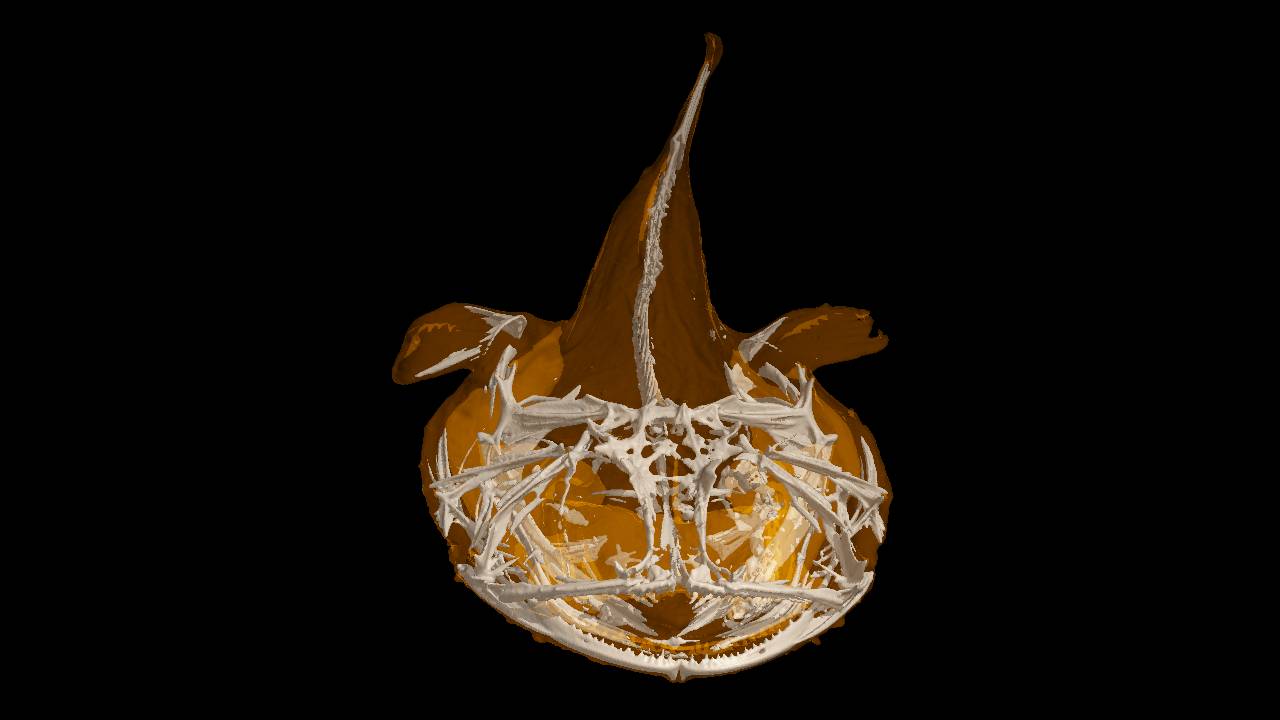
Molcer Plus is a software to view / measure / process voxel data.
Reconstruct 3D models from sectional image sequences produced by X-ray CT or MRI. Easy to see surface / section / internal structure of data. It also implements ultrafast arithmetic operation by GPGPU.
Various measuring / analyzing methods are available. As well as processing / trimming / filtering / polygon reduction. Useful for 3D printing.
To enquire price or licenses: Contact Us
- Functions
Various visualization, processing, measuring, export and analyzing methods of 3D data. - Tutorials
Tutorials of each function, making 3D contents or file for 3D printer. - Molcer (Freeware)
System requirements
- Ver.1.8.5
Windows 7 / 8 / 10 / 11
1GB of system memory (4GB recommended)
Graphic card that supports OpenGL (3.3 or higher)
Jan. 25, 2024 Version 1.8.5.1 released
- Supports two-point touch gesture
- Minor specification changes
- Bug fixes
White Rabbit Corp. – English Top Page
Molcer Plus--3D image visualization and processing software
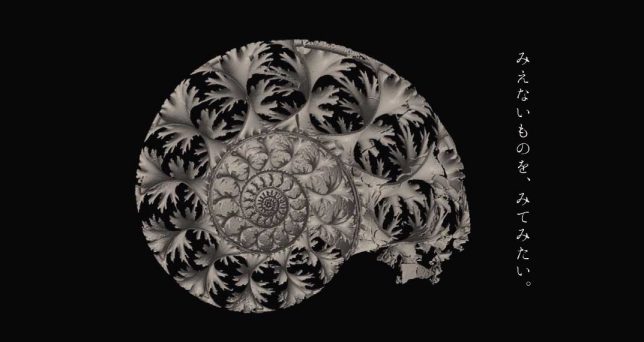
Molcer Plus is software to view / measure / process voxel data.
Reconstruct 3D models from sectional image sequences produced by X-ray CT or MRI. Easy to see surface / section / internal structure of data. It also implements ultrafast arithmetic operation by GPGPU.
Various measuring / analyzing methods are available. As well as processing / trimming / filtering / polygon reduction. Useful for 3D printing.
Reconstruct 3D models from sectional image sequences produced by X-ray CT or MRI. Easy to see surface / section / internal structure of data. It also implements ultrafast arithmetic operation by GPGPU.
Various measuring / analyzing methods are available. As well as processing / trimming / filtering / polygon reduction. Useful for 3D printing.